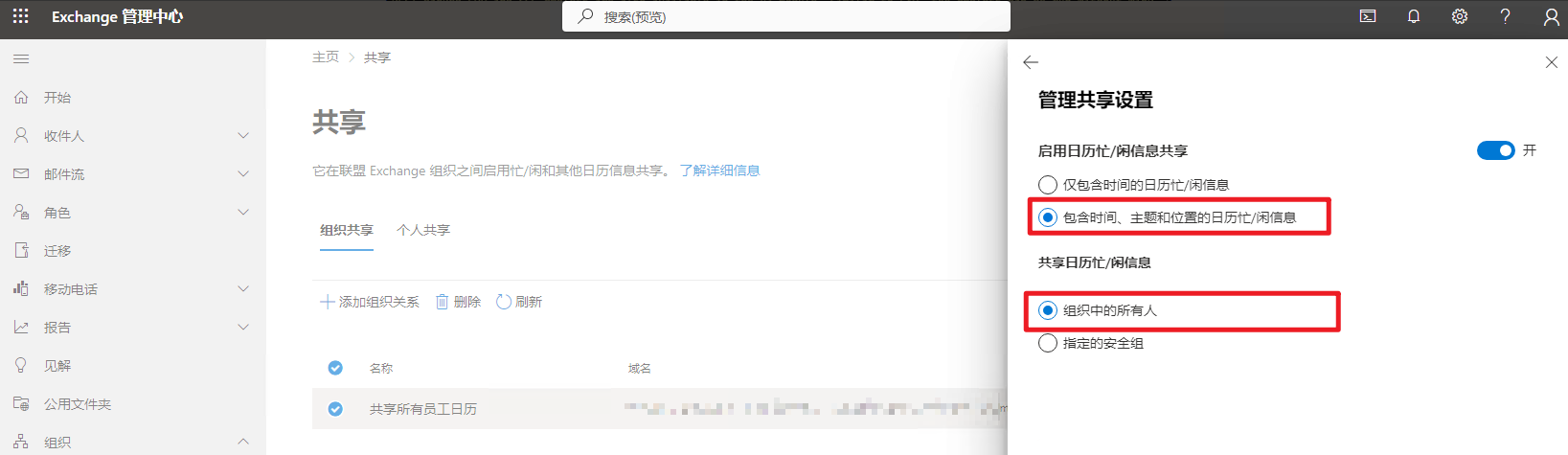
两个M365组织需要互相查看用户忙闲状态,可参考本文。
Microsoft 365 管理中心 > Exchange > 组织 > 共享 > 组织共享
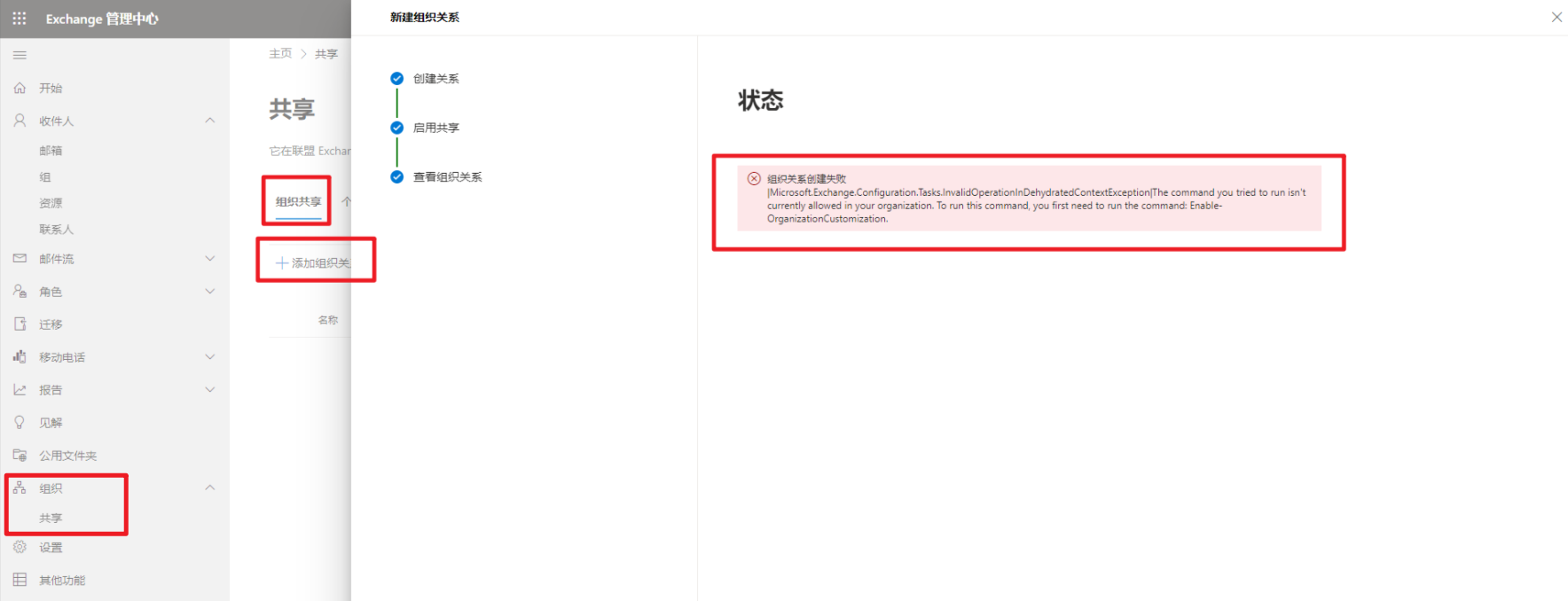
第一次启用,添加组织关系时出现报错
组织关系创建失败|Microsoft.Exchange.Configuration.Tasks.InvalidOperationInDehydratedContextException|The command you tried to run isn‘t currently allowed in your organization. To run this command, you first need to run the command: Enable-OrganizationCustomization.
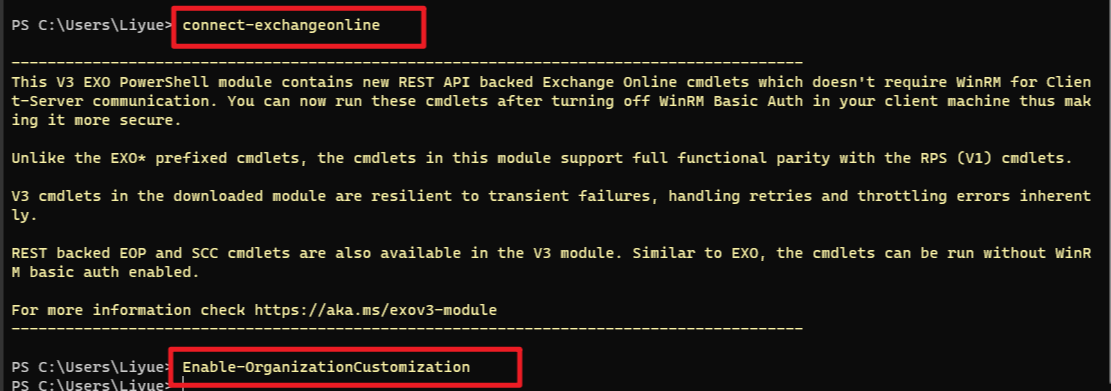
连接Exchange Online
connect-exchangeonline
启用组织自定义
Enable-OrganizationCustomization
重新添加组织关系