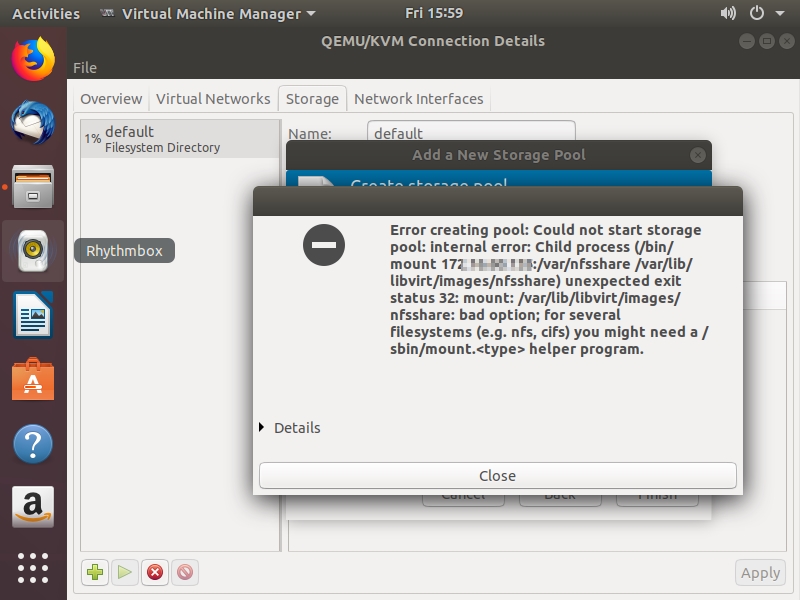
在Virtual Machine Manager > Edit > Connection Details > Storage 增加 netfs/NFS 时出现如下报错:
Error creating pool:Could not start storage pool:internal error:Child process (/bin/mount 172.x.x.x:/var/nfsshare /var/lib/libvirt/images/nfsshare)unexpected exit status 32:mount: /var/lib/libvirt/images/nfsshare:bad option;for serveral filesystems (e.g.nfs,cifs)you might need a /sbin/mount.<type>helper program.
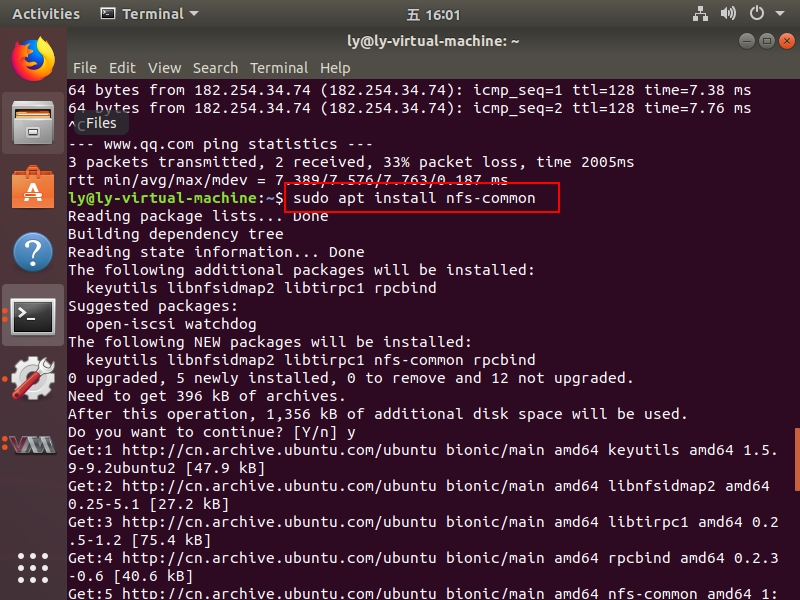
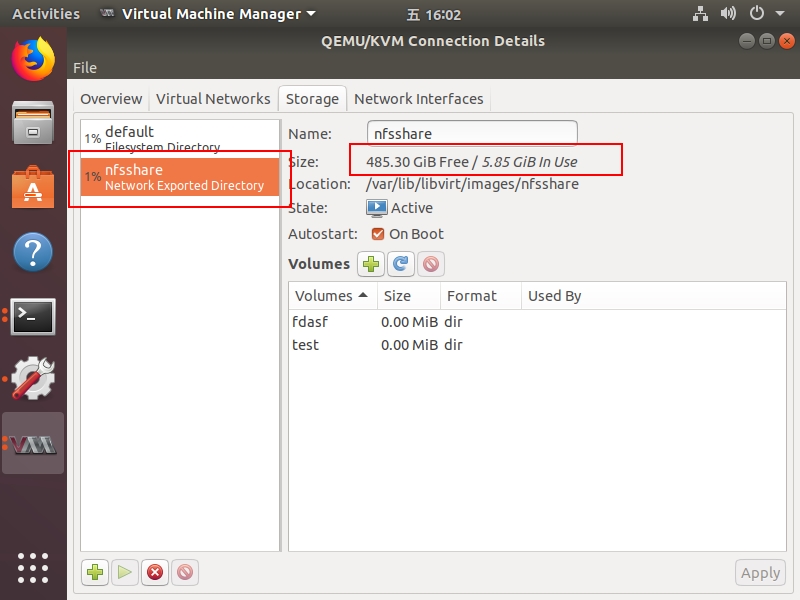
文字教程:(安装nfs-common即可)
Terminal > sudo apt install nfs-common
图片教程:
本文地址: http://liyue.name/blog/?p=2852